/
00:00
Phone
Phone
John Doe

Logging in to the SEFI 2026 site

Two quick steps to access your conference account.

Step 1: Open the login window

To log in, tap the User login button in the top-right corner of the page.
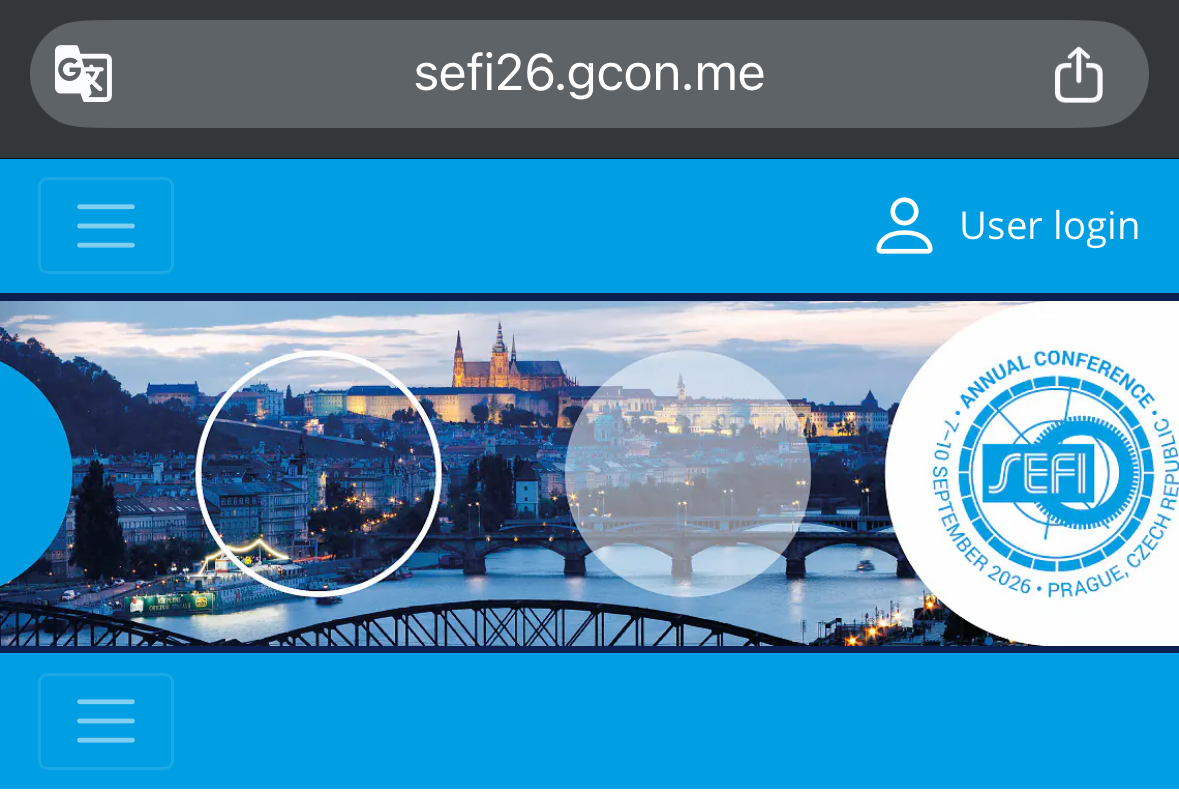
SEFI 2026 homepage showing the User login button in the top-right corner

Step 2: First time logging in?

In the login window, type the email address you used to register, then tap Don't know password.
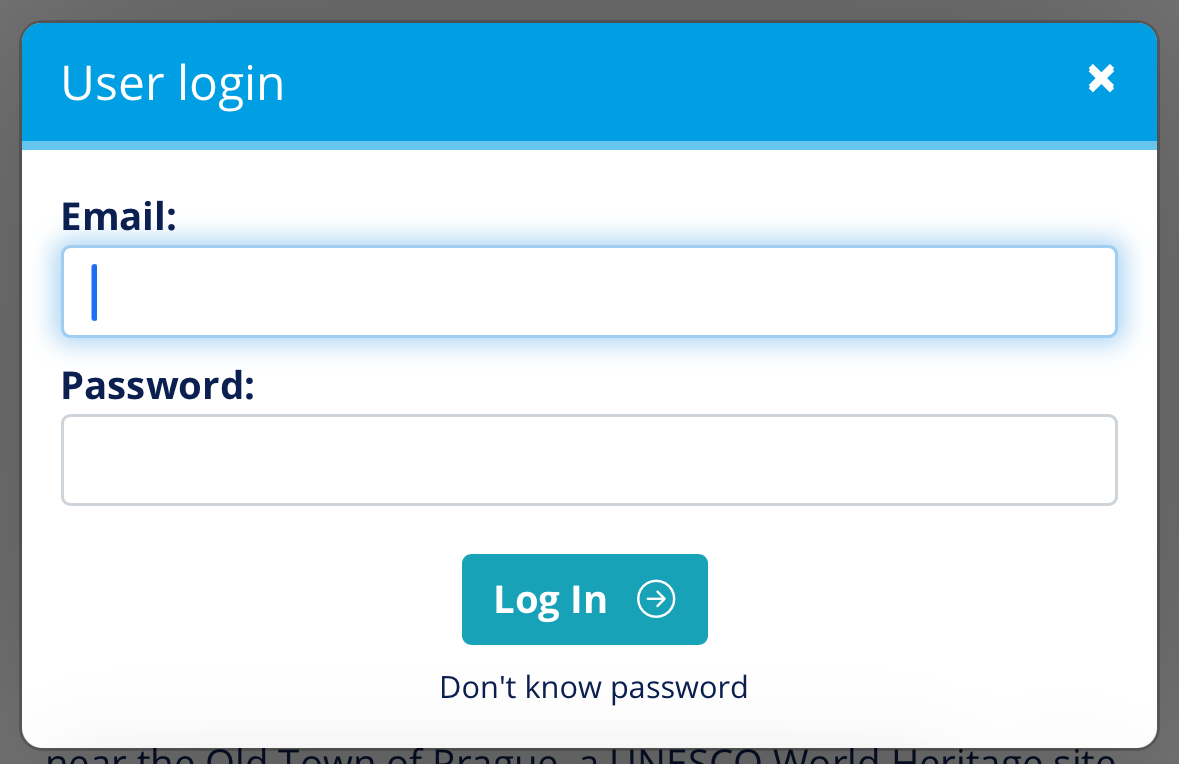
User login popup with the email field and the Don't know password link